File
A field for uploading files, supporting dynamic formats. Useful for product usage documentation, landing page upload, or any downloadable content.
Screenshots
Field render in form:


Field modal render in form:
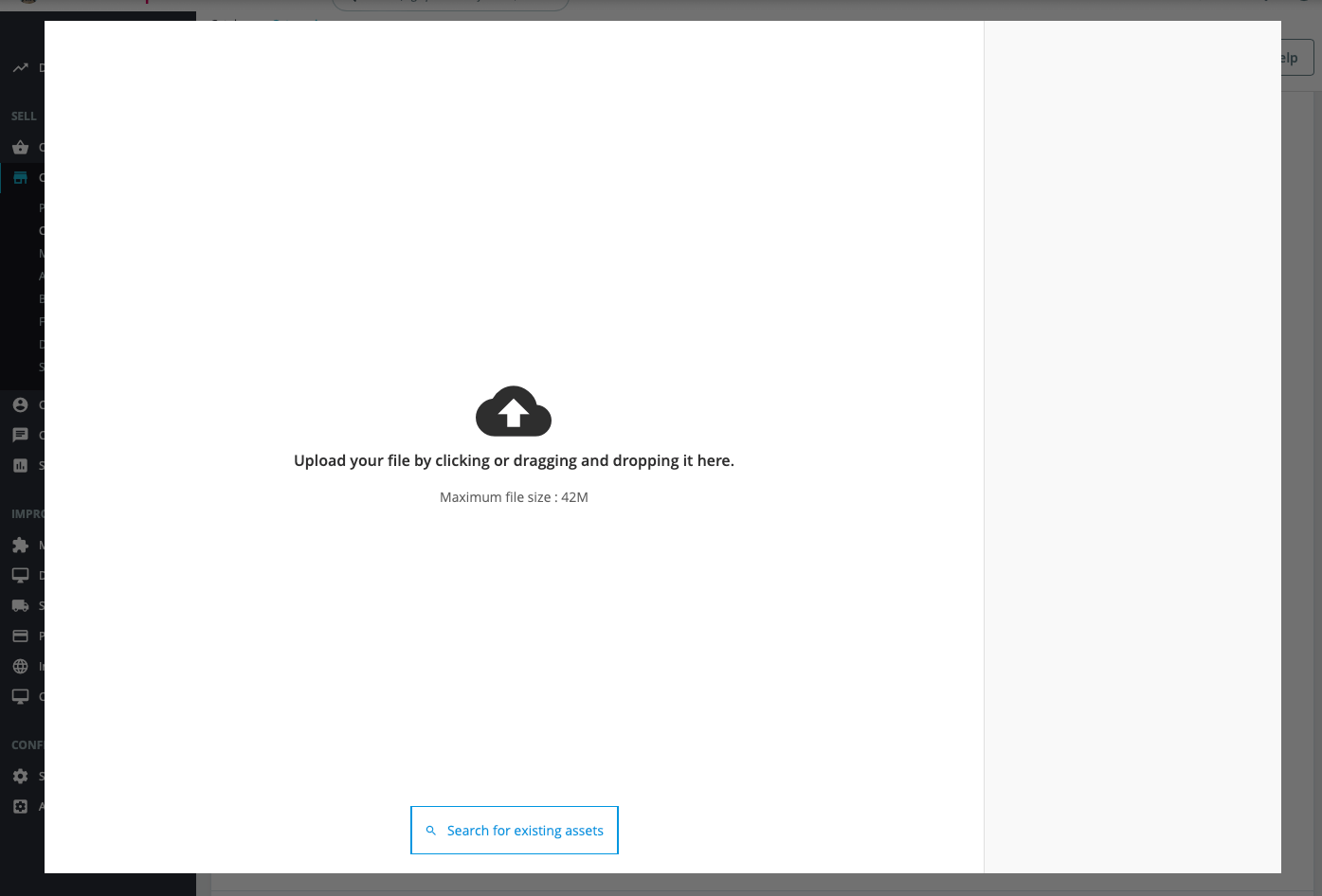
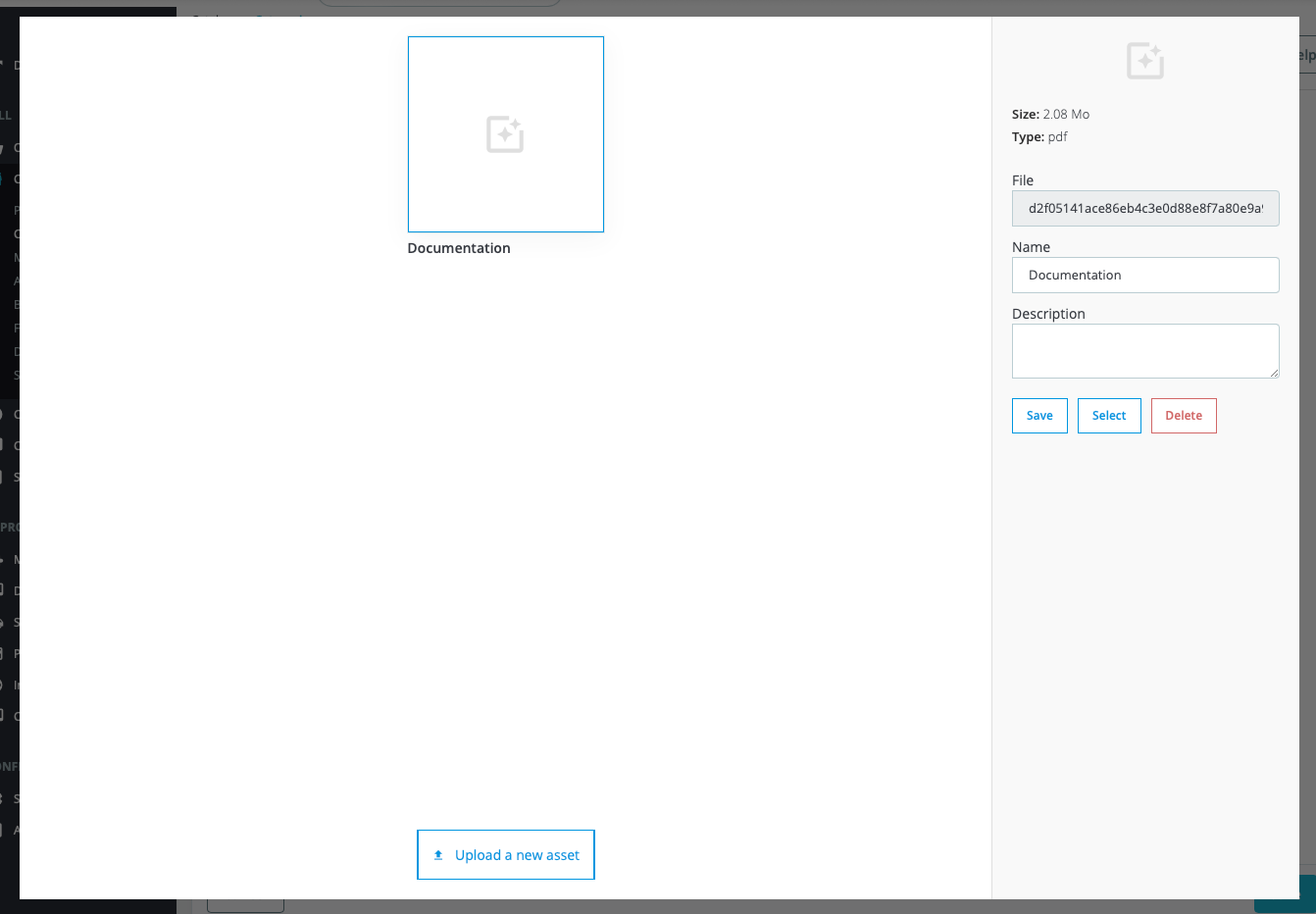
Field render in field group:
Configuration
-
Settings:
- Name: The label for the field.
- Slug: The unique technical identifier.
-
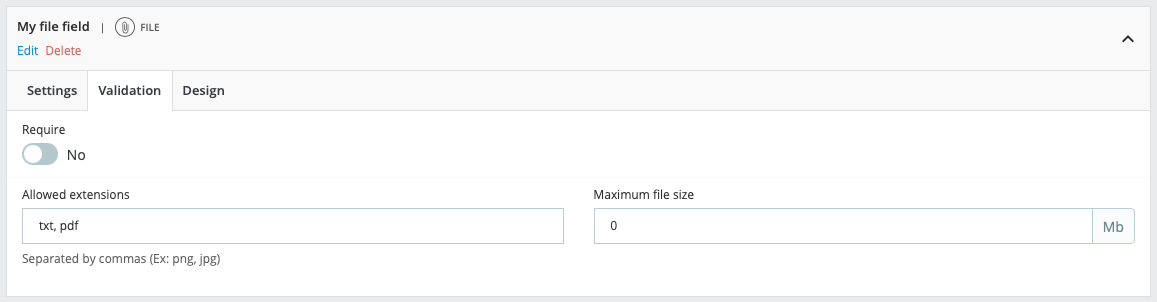
Validation:
- Require: Determines if the field must be filled out.
- Allowed extensions: Specifies the allowed image file types (e.g., pdf, xls, csv).
- Max file size: The maximum file size allowed for the uploaded file.
-
Design:
- Instructions: Text displayed alongside the field providing details about the data needed.
- Width: The width of the field in the form.
- Classes: Custom CSS classes for styling the field.
- ID: Custom ID attribute for the field.
- Text before: Additional text displayed before the field.
- Text after: Additional text displayed after the field.
Return format
- Type: array or null
- Value:
[
  'id'          => 1,
  'name'        => 'File name',
  'file_name'   => 'file.png',
  'url'         => 'path/to/the/file.png',
  'description' => 'File description',
]
Usage
/some-template.tpl
{* Object or Entity and Id *}
{assign var="data" value=$modules.customfieldgroups.data->get($product)}
{assign var="data" value=$modules.customfieldgroups.data->get('product', $product.id)}

{if $data.field_group_slug.field_slug}
  <a href="{$field_group.field_slug.url}" target="_blank">
    {$field_group.field_slug.name}
  </a>
{/if}
/SomeClass.php
function someMethod()
{
    $dataRetriever = DataRetrieverFacade::getInstance();

    $data = $dataRetriever->get($object);               // Object
    $data = $dataRetriever->get('product', $idProduct); // Entity and id

    $fileDetails = $data['field_group_slug']['field_slug'];
}